Order confirmed to invoice sent: what the scenario actually looks like
Order confirmed to invoice sent is the automation almost every small shop rebuilds eventually. Here is what each module does, in the order it runs, and why that order matters.
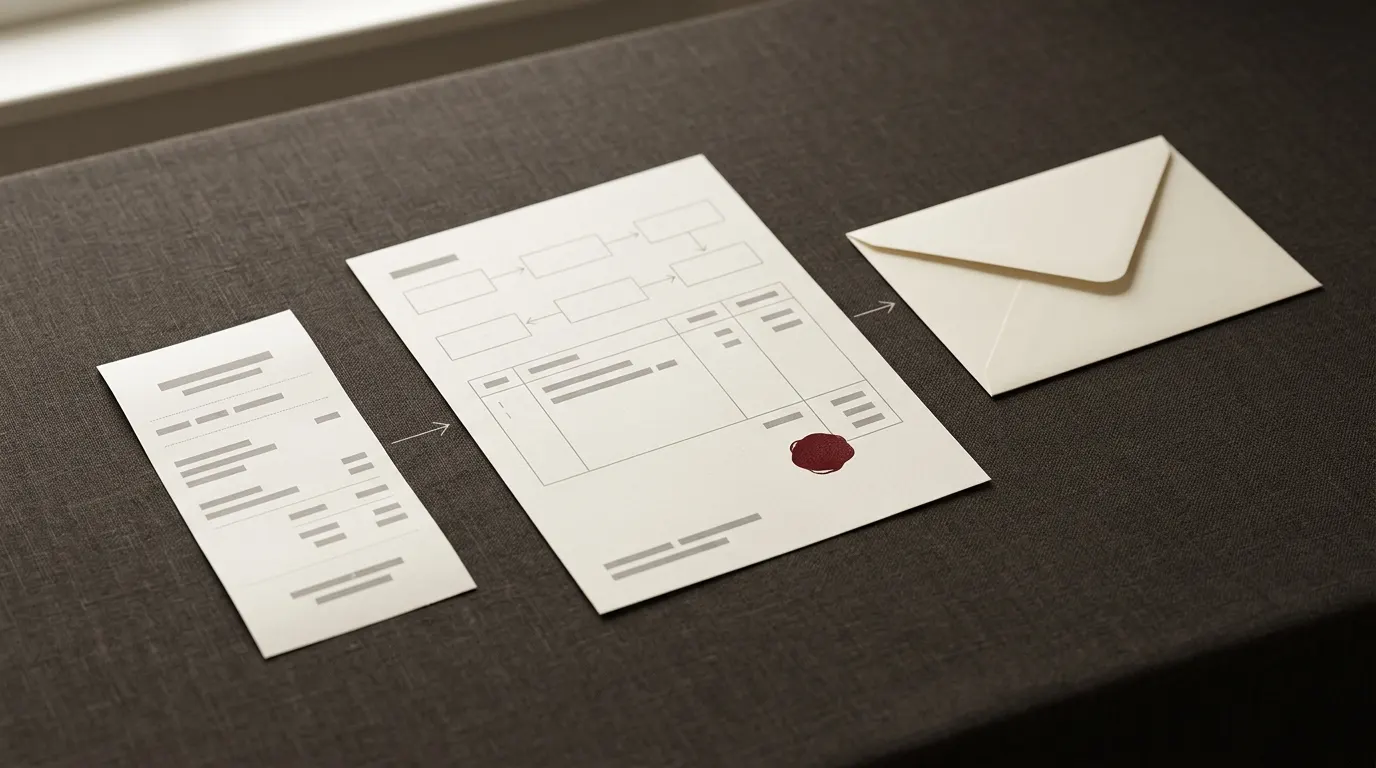
An order comes in, somebody has to be billed, told what happened, and the business needs a record that outlives the inbox it arrived in. That is the whole shape of the automation behind the Order Confirmation Blueprint, and some version of it turns up in almost every small shop that has been running long enough to have sent an invoice twice by accident.
Written out, it is five or six modules. What makes it worth walking through slowly is not the modules themselves, which are ordinary, but the order they run in, and what each one is built to do the moment something upstream has already gone wrong.
What has to be true before any of this runs
The scenario does not start from nothing. A few things need to already be in place before there is anything to build:
- A Make.com account.
- Stripe with Invoicing enabled, since that is the tool doing the actual billing.
- A mailbox Make can send from, for the confirmation email.
- One Google Sheet, to hold the order log.
- Something on the trigger end that can POST JSON when an order is confirmed: your store, a form tool, or a checkout page.
The order, module by module
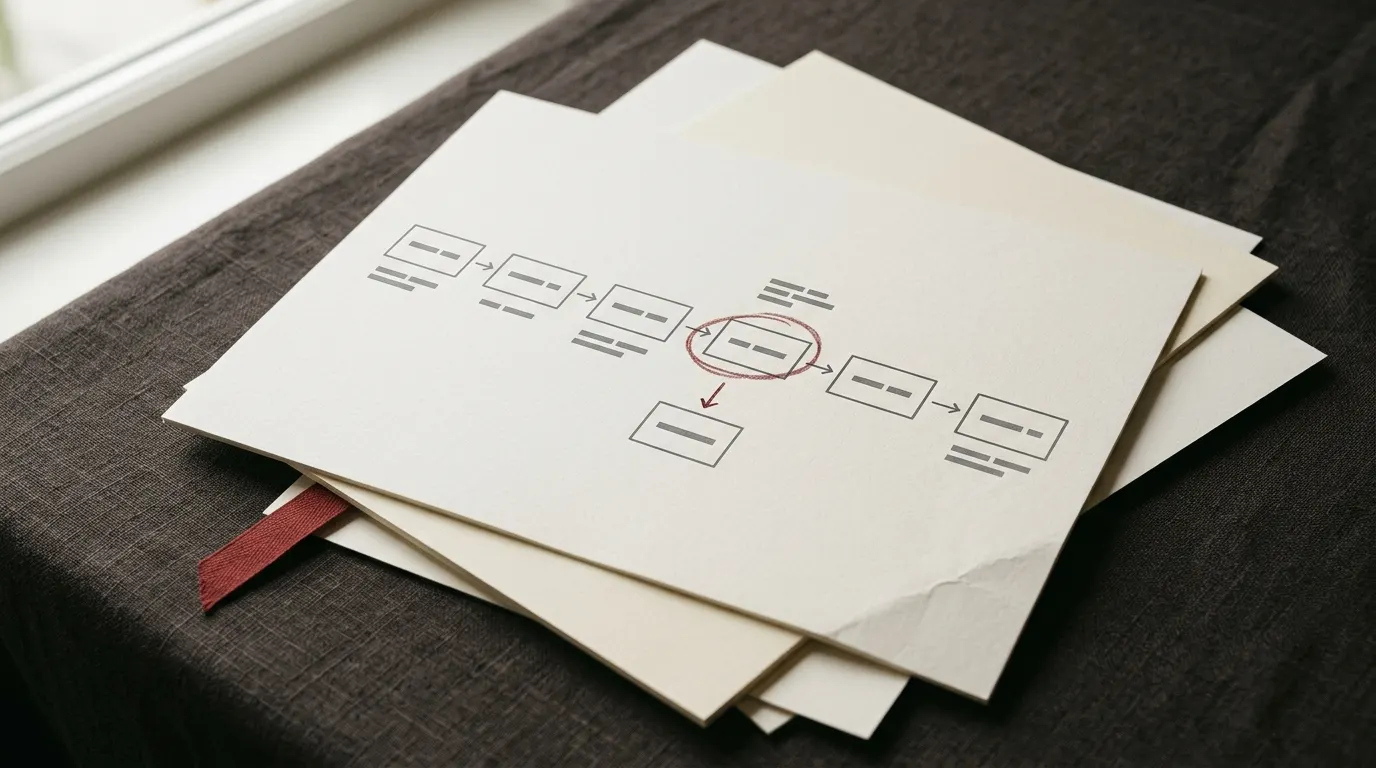
Reduced to its modules, the chain looks like this:
Every one of those decisions, taken in that order, is doing something specific. They are worth taking one at a time.
- A webhook receives the confirmed order, carrying an order id, the customer's email and the total.
- A deduplication check looks up that order id before anything else happens. If it has been seen before, the scenario stops here.
- Stripe Invoicing raises the invoice, using the total and the customer's details it was handed.
- A confirmation email goes to the customer, referencing the invoice that now exists.
- A row is appended to the Google Sheet: order id, email, total, and the invoice's own reference.
- A short note goes to the team, filtered so it only fires when the order is worth a person's attention.
Why the check happens before the invoice, not after
Money is the one thing in this chain you cannot quietly take back. Once Stripe has raised an invoice, undoing it means voiding it and hoping the customer notices before they pay it, which is a worse conversation than the one you were trying to automate away in the first place. So the deduplication check runs first. It claims the order id before the scenario goes anywhere near Stripe, and a webhook that fires twice, or a customer who double-clicks confirm, finds the order already claimed and stops there.
That ordering is a deliberate trade, not an accident, and it has a cost worth naming. Claiming the order before the invoice exists means that if the invoice step then fails, for whatever reason, the order is left looking handled when it was never actually billed. A scenario built this way deals with that gap in the open rather than pretending it cannot happen: a separate reconciliation scenario runs on its own schedule and finds orders that were logged but never invoiced, so a person can raise the missing invoice by hand instead of a customer quietly never being charged at all.
Why the sheet waits for the invoice
The row does not get written until after Stripe has answered, and that is also on purpose. Writing it afterwards means the row can carry the invoice's own reference number, so anyone looking at the sheet later, checking a customer's order or reconciling the month, has the one number that actually connects the two systems. Writing it first would mean a blank column, filled in by hand whenever somebody remembered to go back and do it, which in practice is rarely.
What happens when Stripe does not answer
Not every call to Stripe comes back. Networks stall, invoicing has a bad minute, or the account has quietly hit a limit. When that happens the scenario stops rather than guessing. It does not send the customer a confirmation email for an invoice that does not exist, and it does not write a sheet row for one either, because both of those would be recording something that never happened. What is left behind is an order that was claimed but never invoiced, which is exactly the case the reconciliation scenario exists to catch, on its own schedule, later.
Keeping the team note worth reading
The note to the team is the one module that is deliberately not comprehensive. Announce every order and the channel goes unread within a week, which defeats the purpose of having it at all. So the note fires only above a value you set, or for something that stands out, a first order from a new customer, say, rather than every single one. A channel people actually read is worth more than a channel that mentions everything.
If you take one thing from this scenario into your own build, make it that: write the deduplication check first, wire it to nothing else yet, and prove it blocks a repeat before you let any module call Stripe.
Questions
Does this stop a webhook that fires twice from raising two invoices?
Yes. The deduplication check runs before Stripe is called at all, so a repeat webhook finds the order already claimed and the scenario stops there. It never gets far enough to raise a second invoice.
What happens if Stripe Invoicing does not respond in time?
The scenario stops rather than guessing. It does not send the customer a confirmation for an invoice it cannot confirm exists, and it does not write a sheet row for one either. The order is left claimed but not invoiced, which is the gap a separate reconciliation scenario is built to find.
Why append the sheet row after the invoice instead of before?
So the row can carry the invoice's own reference number rather than a blank cell somebody fills in by hand later. The trade is that a failure between the two steps leaves an invoice with nothing written down about it yet, which is rare, and visible enough directly in Stripe, that it is not worth solving with more machinery.